Ops Map
Your company, mapped Functions, people, systems, and workflows in one living map your team and your agents share.
Seven kinds of operational objects, connected in one map.
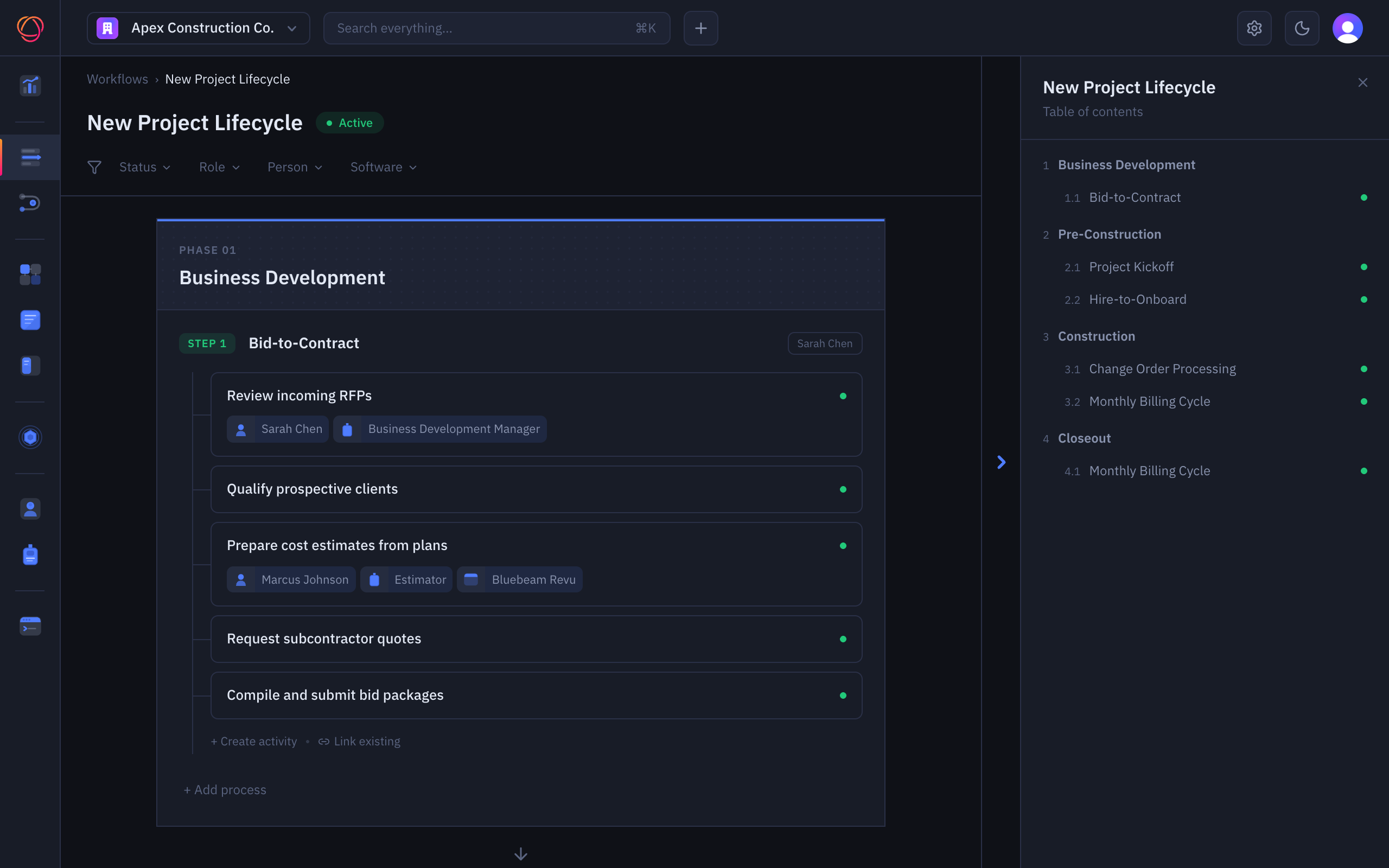
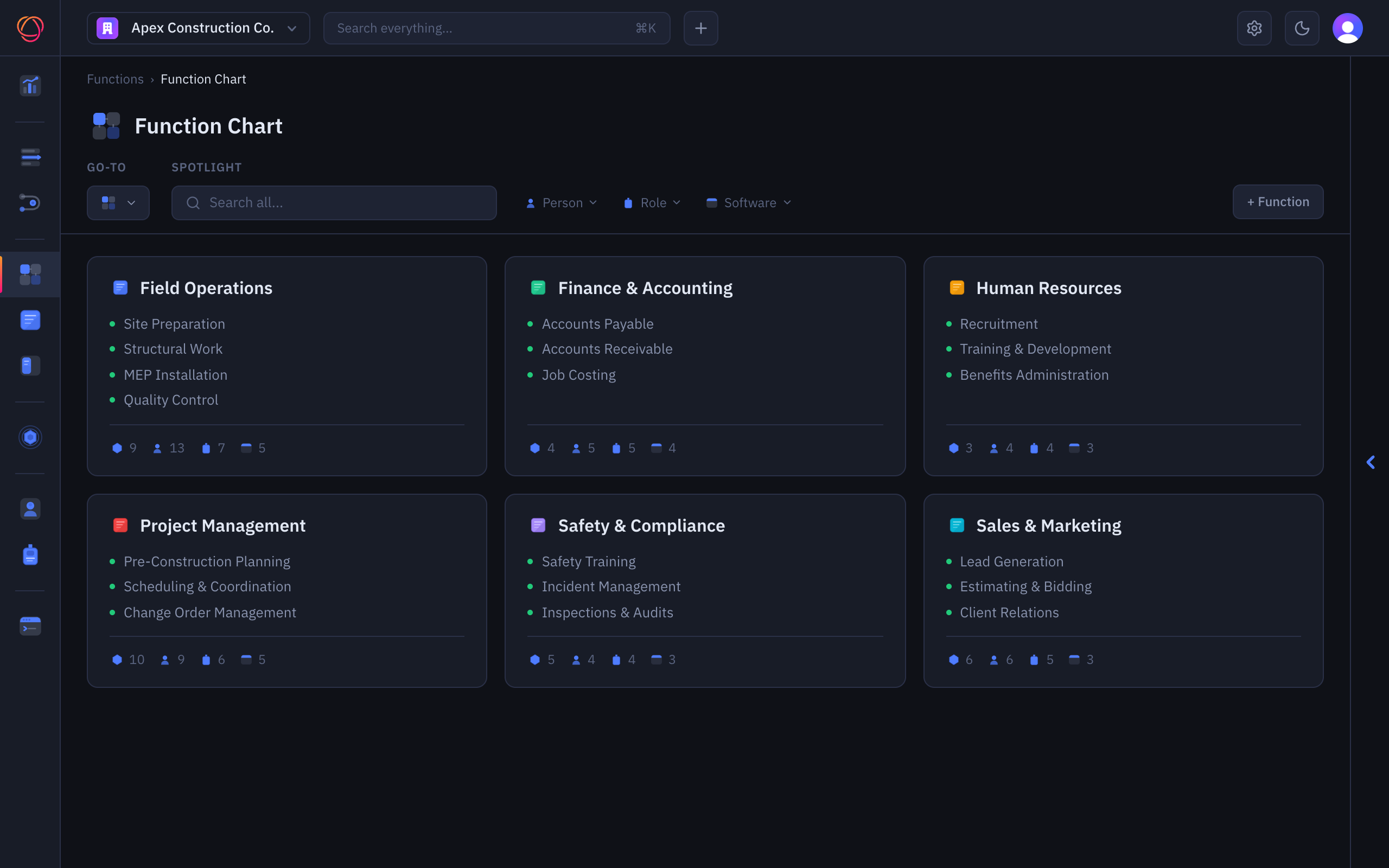
Function charts
The whole company at a glance. Who does what, with which systems.
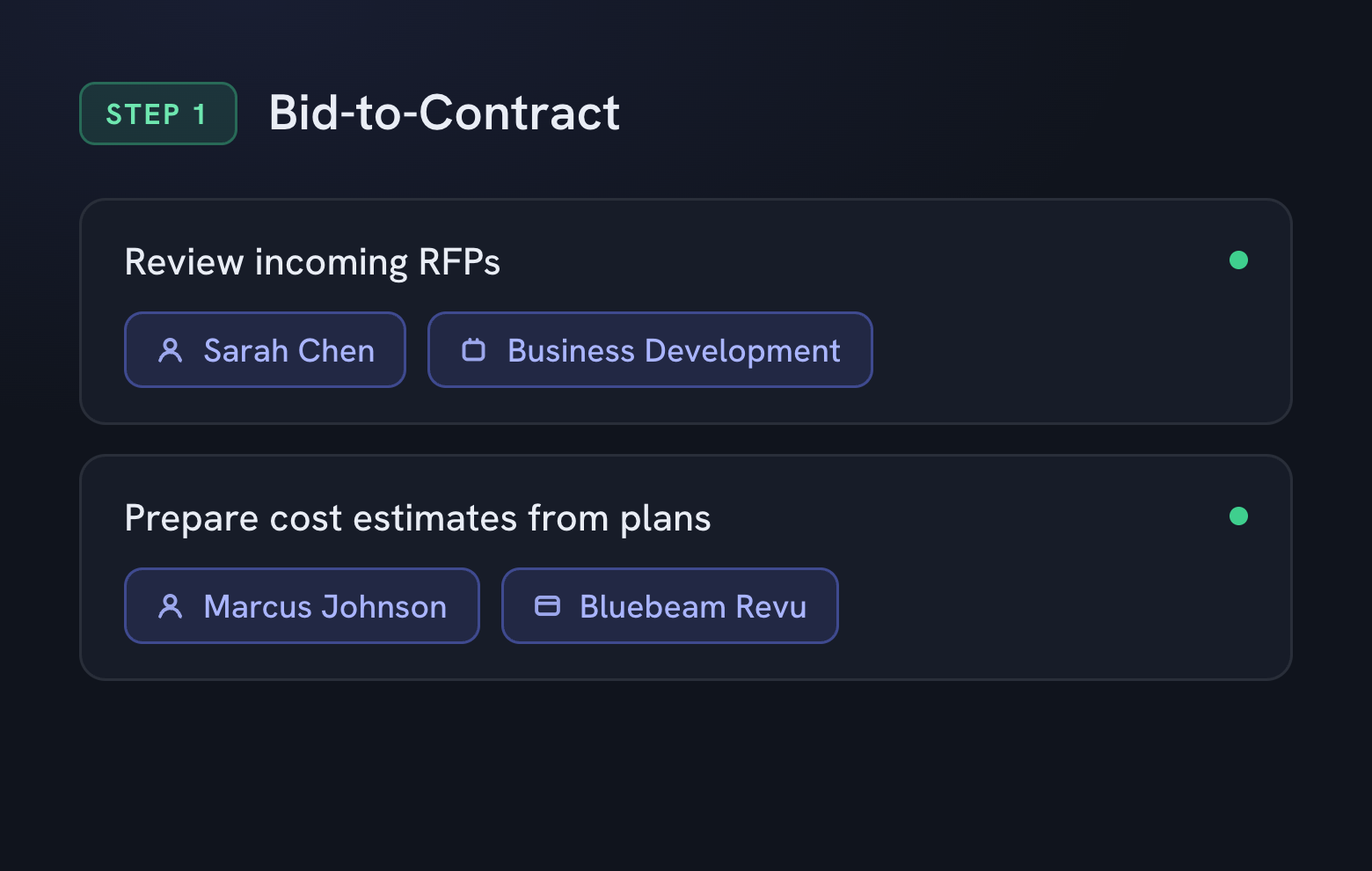
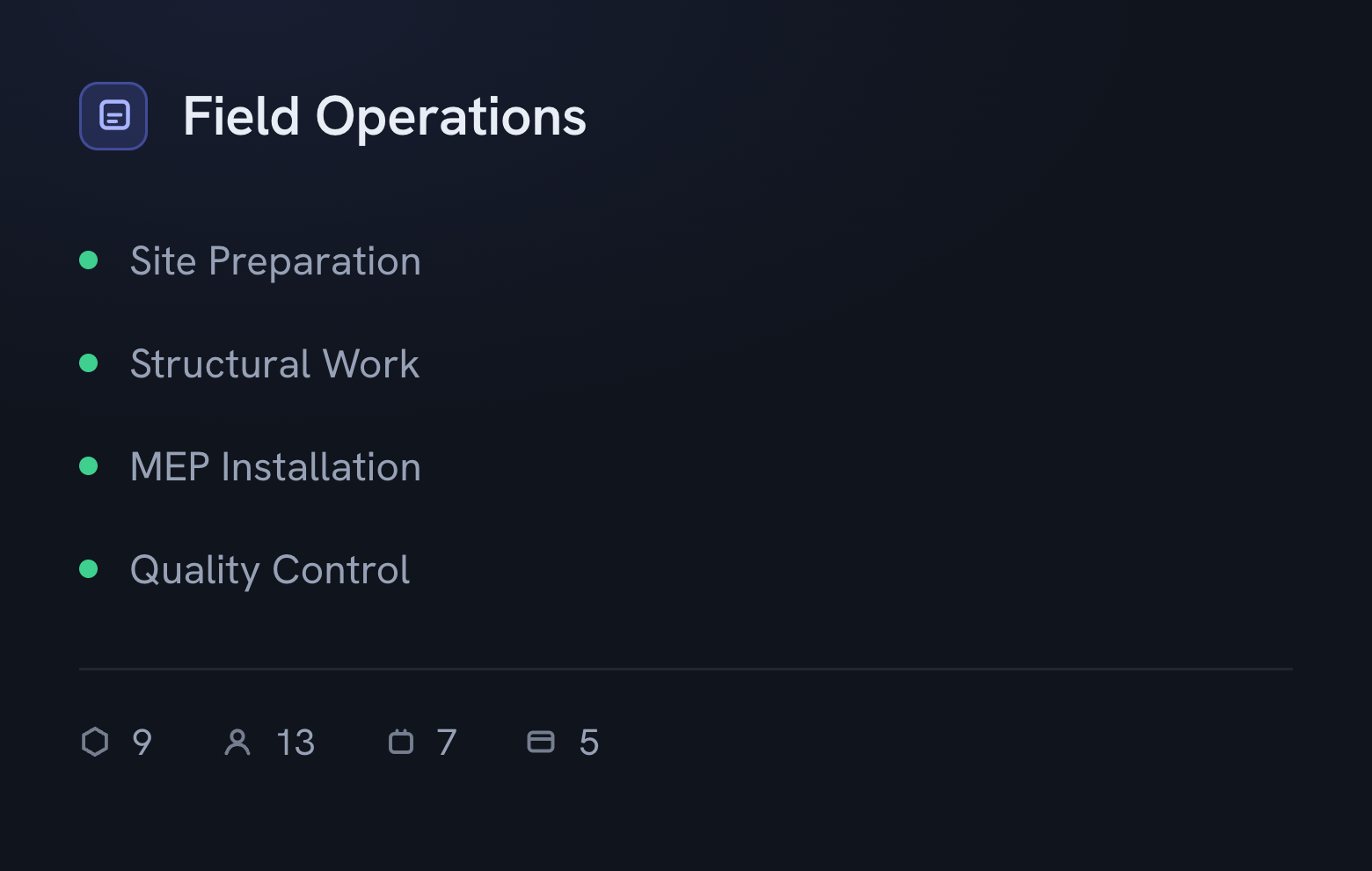
Workflow maps
Phase by phase, step by step. How work actually moves.
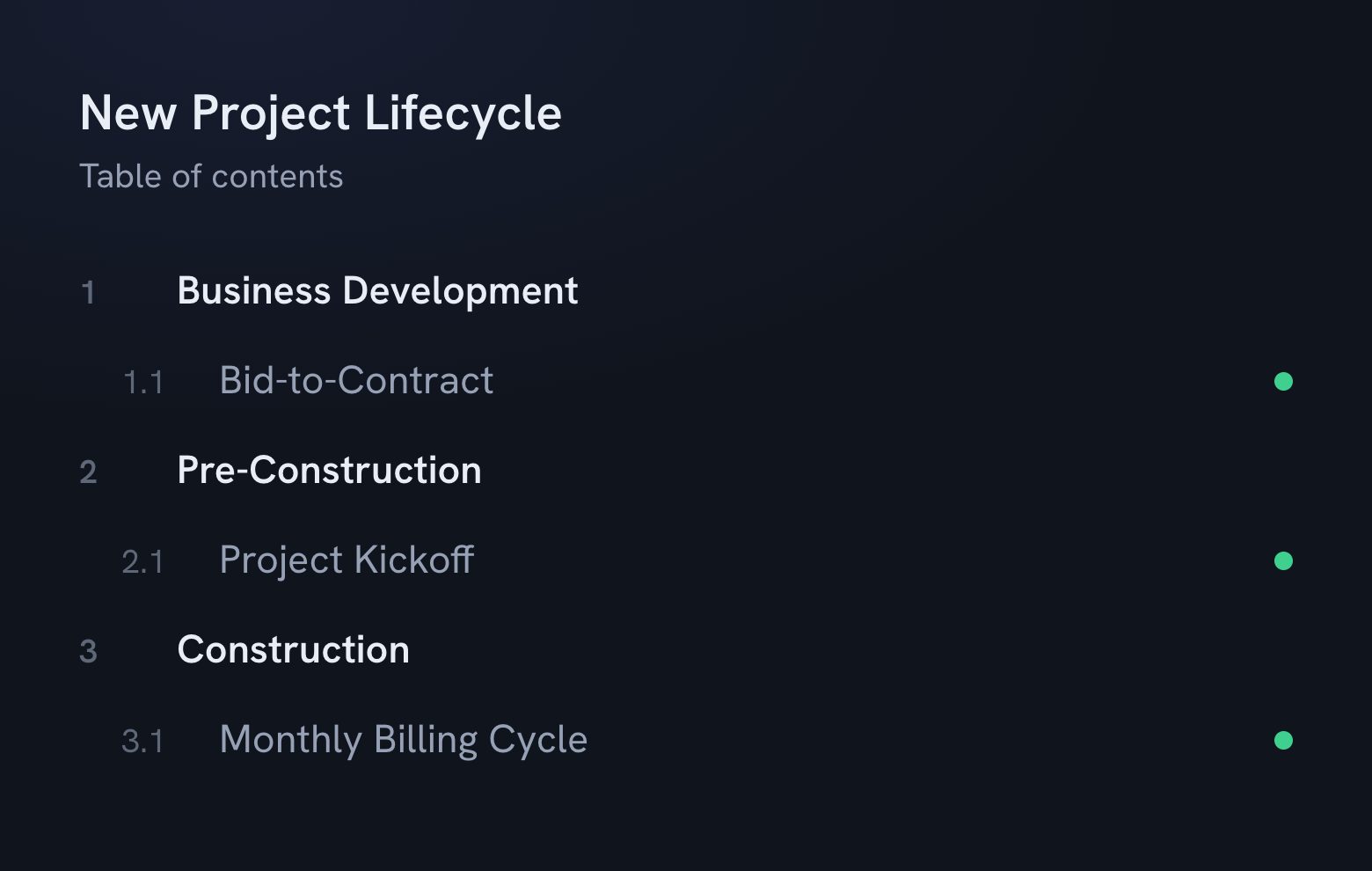
The full lifecycle
Every phase of a job in one outline, from first contact to closeout.
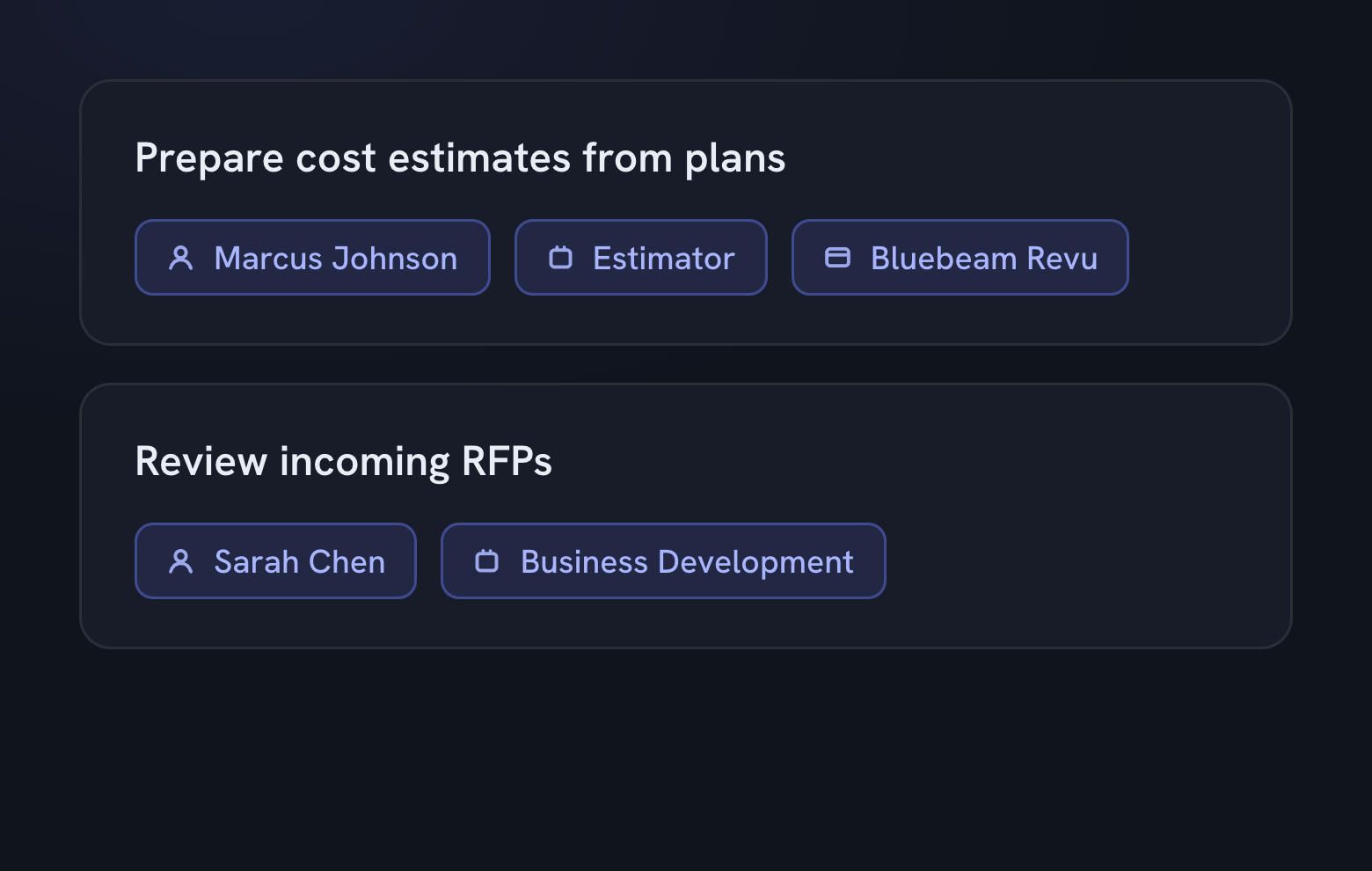
Owners on every step
Each activity carries its person, role, and software. Nothing floats.
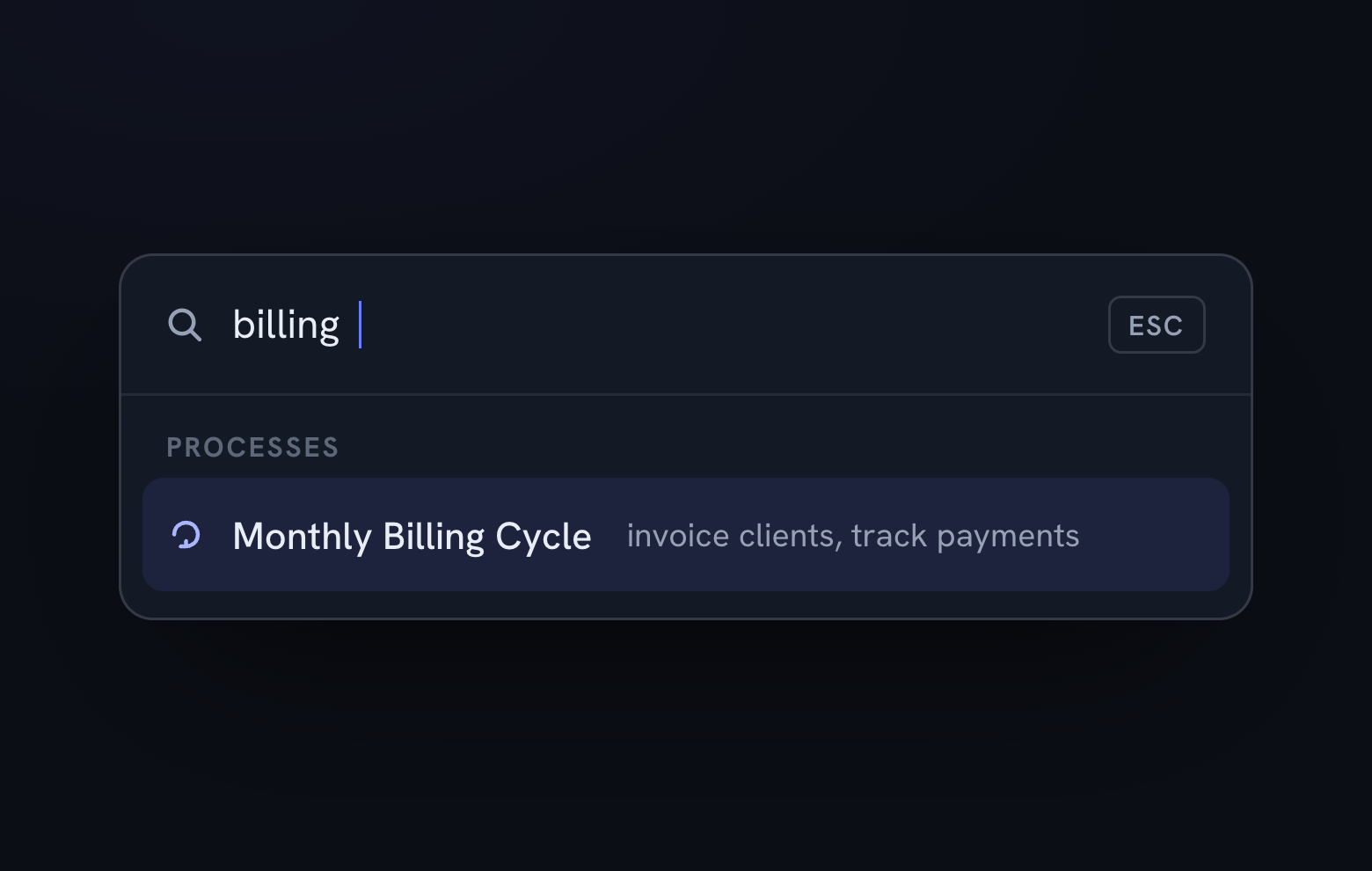
Search everything
One search across functions, people, systems, and workflows.
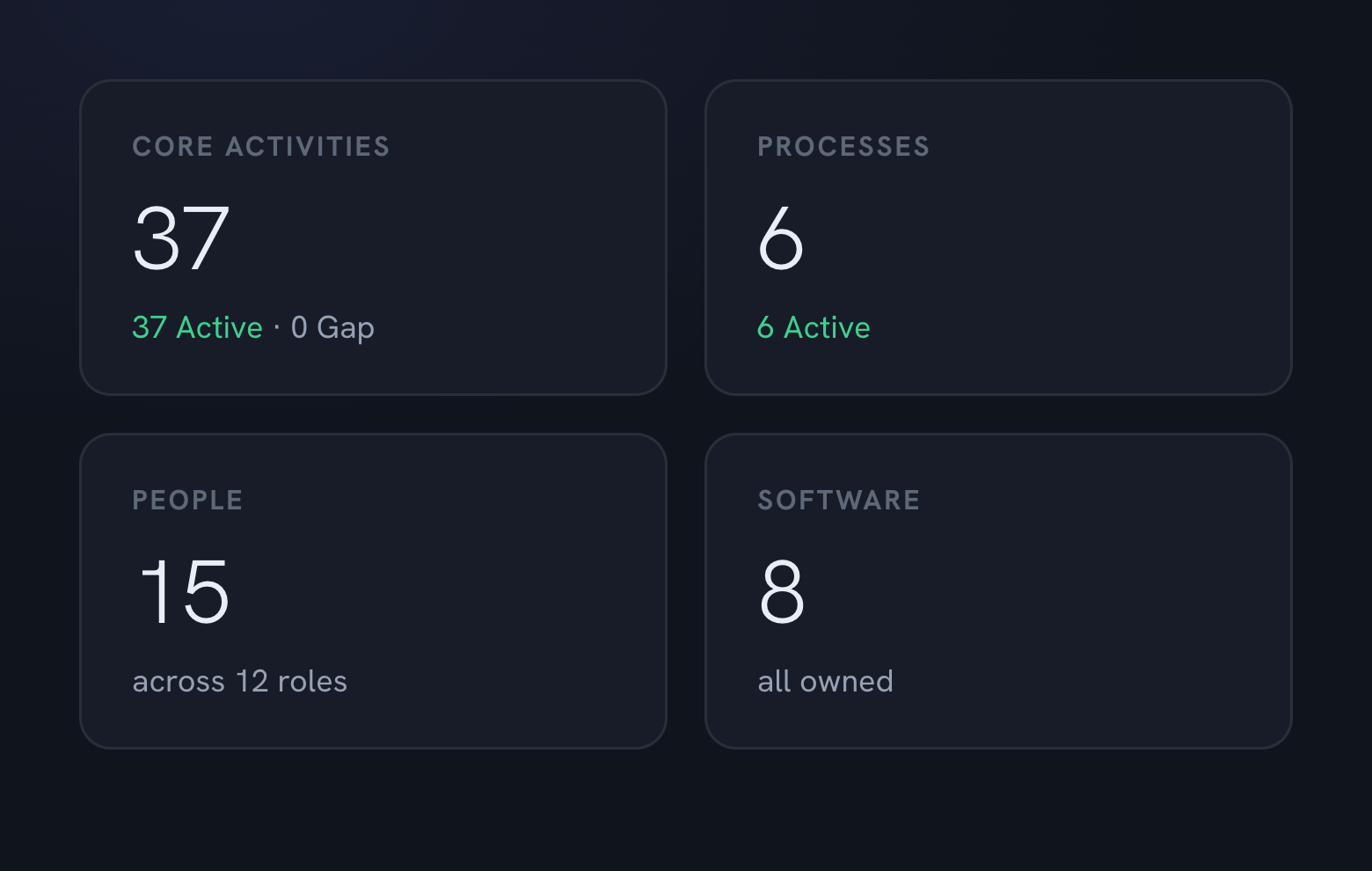
Health at a glance
A dashboard that counts what you have and flags what's missing.
Gaps become visible Single points of failure, unstaffed activities, and systems nobody owns show up the first week.
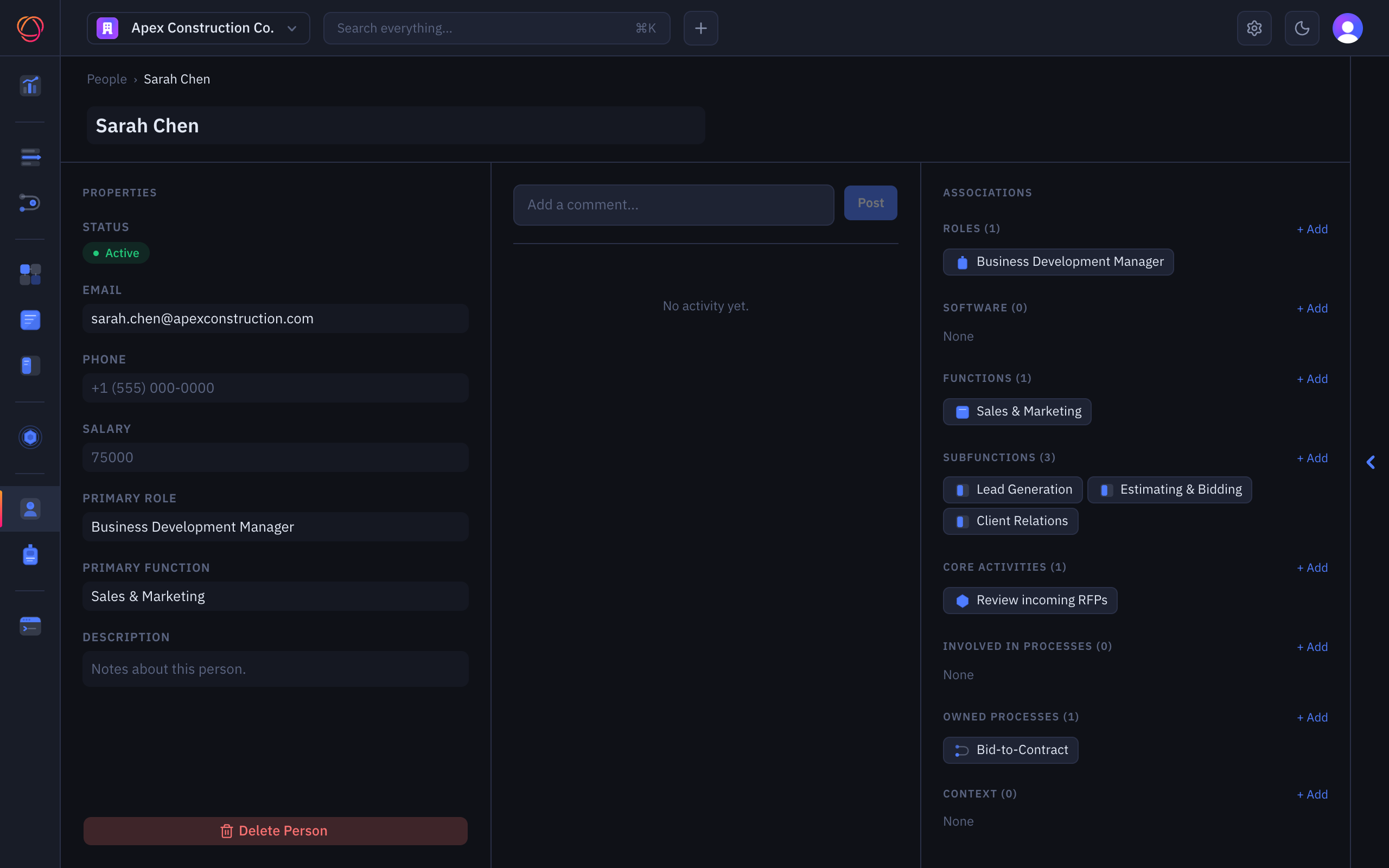
Every piece is a record People, roles, software, processes: each one a page, with its connections right there on the page.
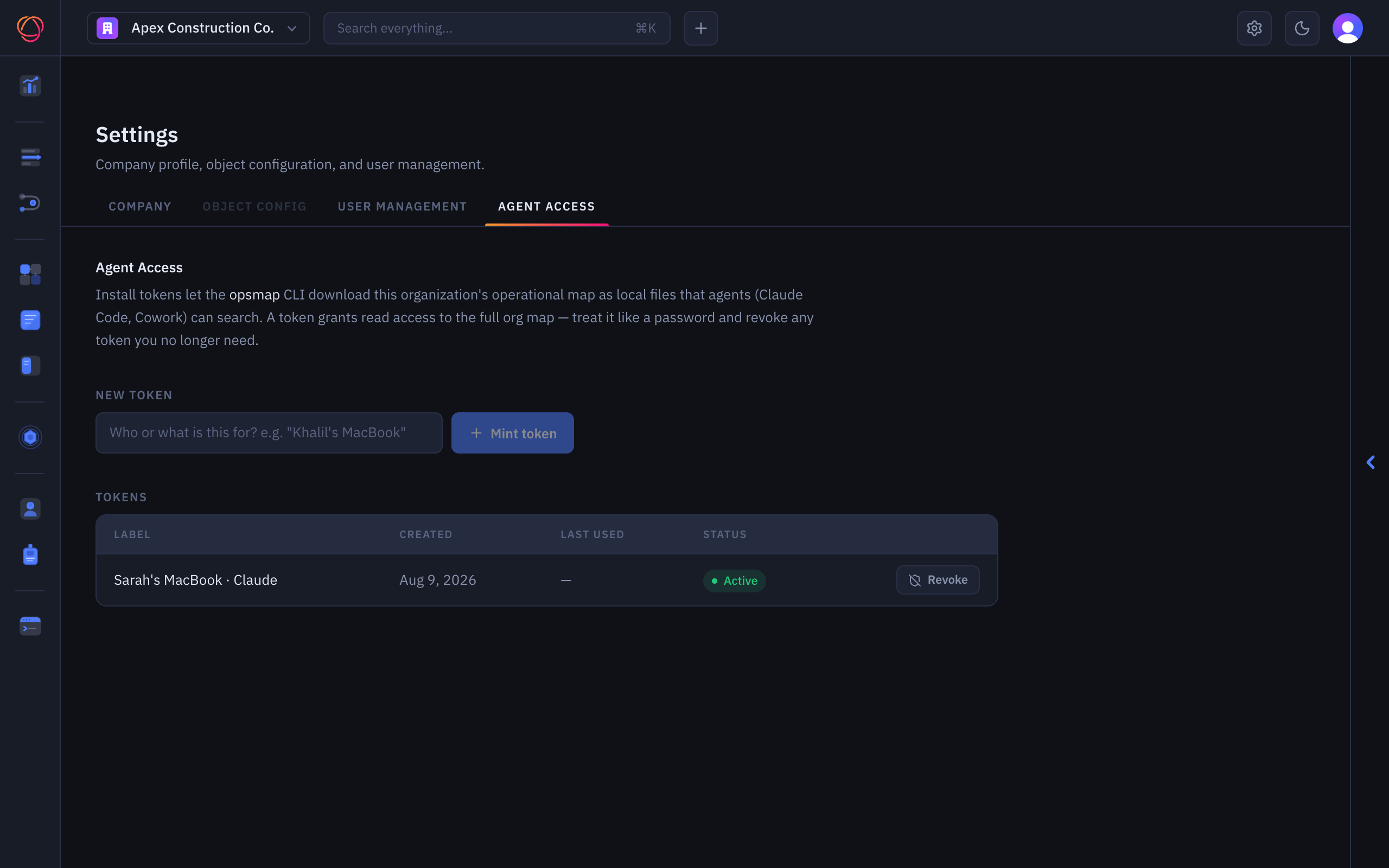
Built for your agents Mint a read token and the opsmap CLI installs your map as local files agents can search.
Company Context